Staff and Assignments
Techs, managers, shift templates, and assignment rules.
Staff and Assignments
Staff directory
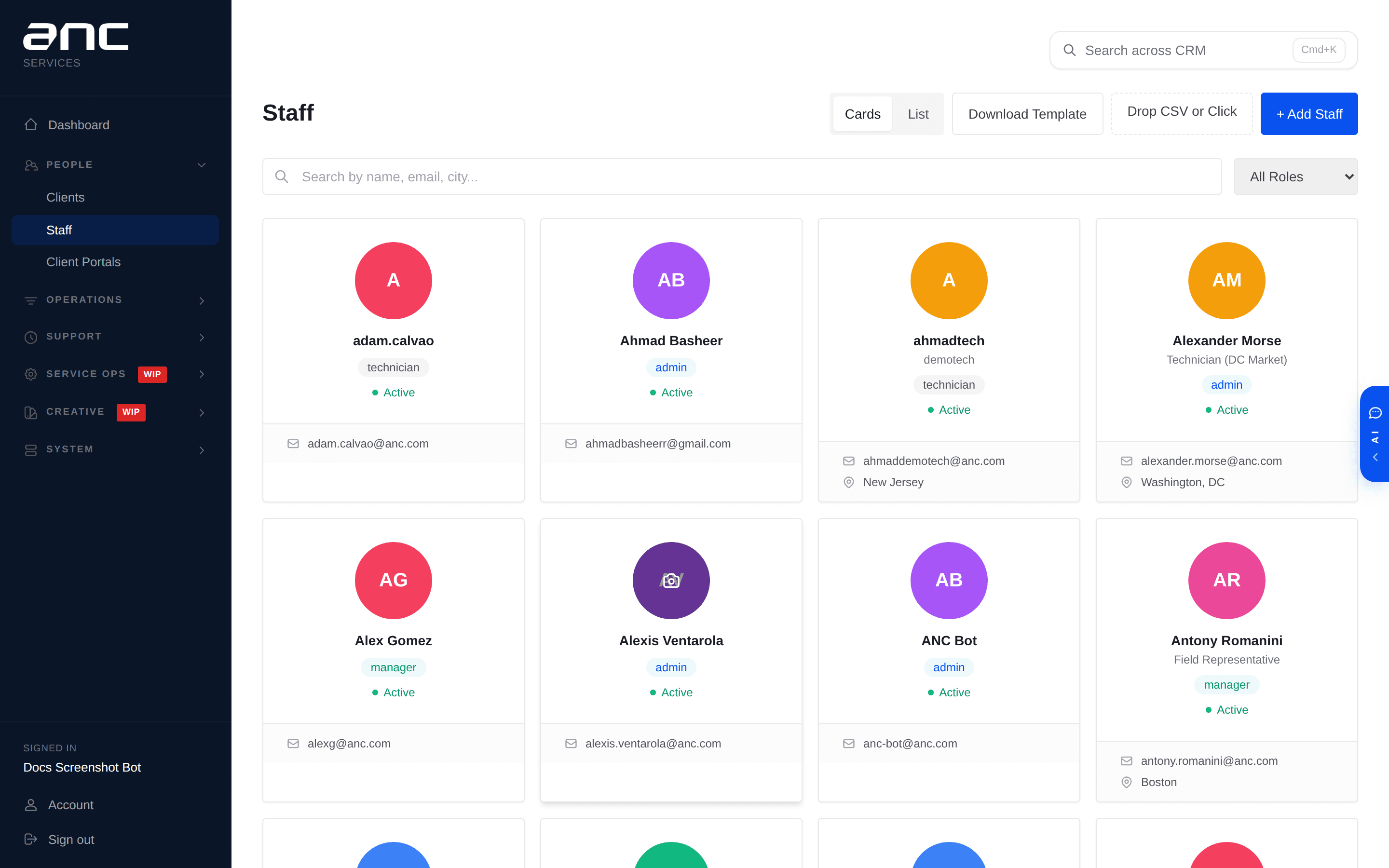
Every technician, manager, and admin has a record in Staff (/staff). Each record has:
- Name, role, title, email, phone
- Profile photo
- Linked venues (which venues this person usually works)
- Weekly hours budget
- Historical workload, completion rate, SLA performance
Assigning staff to events
From any event detail page, admins and managers can assign techs. The dropdown shows weekly hours for each tech next to their name, so you can avoid overloading someone. Smart auto-assignment rules can be configured per-category or per-venue — techs get automatically assigned when an event matches the rule.
Shift Templates
Under Operations → Shift Templates (/shifts), admins define recurring work patterns (e.g., "every Red Sox home game needs 2 techs, check-in 2 hours before first pitch"). The system generates the events for the season and pre-fills assignments based on the template.
Labor budget tracking
Each venue (or client) can set a labor hours budget. The dashboard sums assigned hours against the budget and shows coverage rate. If you're under-budget, you have unused capacity; over-budget, someone's working too much.