Client Portal
Per-venue client-facing page with tickets, live workflow, and service info.
Client Portal
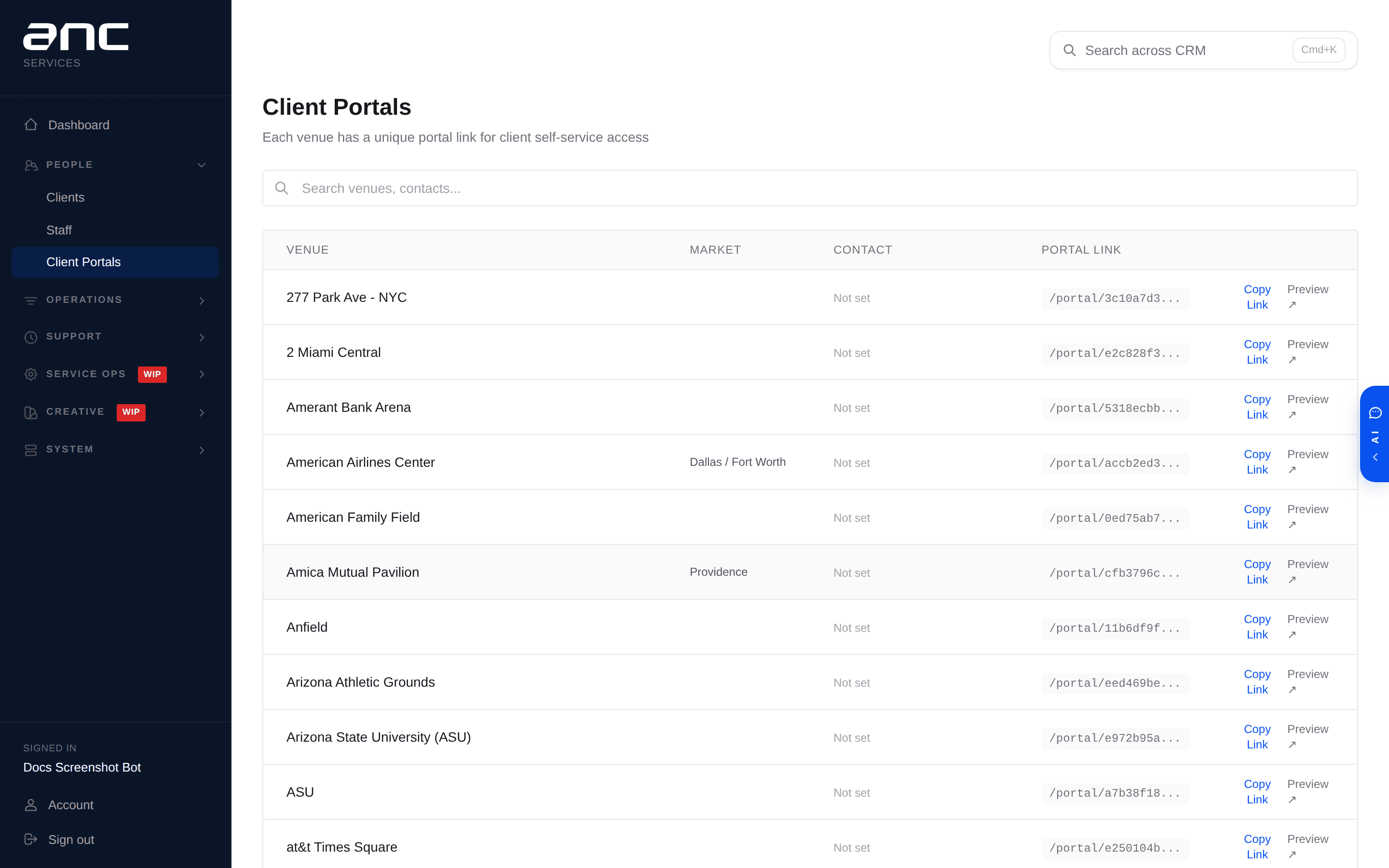
Every venue can have a unique client-facing portal link. The portal is read-only from the client's side for most things, but they can open tickets with AI assistance and see real-time workflow status.
What clients see
- Overview — service level banner, key contacts
- Today's events + live workflow — whether the tech has checked in, game-ready status, post-game report status — all updating in real time
- Open tickets — status, assignee, ETA; with the option to create a new ticket (AI-assisted intake)
- Your ANC Team — profile photos of the techs assigned to their venue
- Installed specs — LED panels installed at their venue (model, pixel pitch, resolution — synced from Proposal Engine)
- Service history — past tickets, past events, monthly service report PDFs
AI ticket creation
When a client opens a ticket from the portal, an AI intake assistant asks 2-3 diagnostic follow-up questions to gather enough info for faster triage. The AI also runs sentiment analysis (calm / concerned / frustrated / urgent / panicking) and assigns urgency notes (e.g., "Playoffs imminent", "ESPN tomorrow night") — both surface to the tech support team so they can prioritize appropriately.
AI chat widget
Each venue portal can include an AI help widget pre-loaded with that venue's manuals, KB articles, and service history. Clients can ask "how do I reset the processor?" and get a venue-specific answer without waiting for support.
Managing portals
Admins use the Client Portals page to see which venues have portals, get shareable links, and rotate a link if needed.