Roles and Access
Admin, Tech Support, Manager, Technician — what each role can and can't do.
Roles and Access
The dashboard has four roles, each progressively more restricted:
| Role | Sees venues | Sees tickets | Does ops work | System settings |
|---|---|---|---|---|
| Admin | All | All | All | Full access |
| Tech Support | All | All | Full ops | Blocked from settings + user mgmt |
| Manager | All | All | Full ops | Blocked from all admin surfaces |
| Technician | Only their linked venues | Only tickets they're on | Limited to their events | None |
Admin
Full control. Can:
- Create and delete staff, venues, shifts, service types
- Change system settings such as report schedules, league budgets, and assistant settings
- Manage controlled admin maintenance actions
- Manage everyone's roles and venue links
Tech Support
Designed for Chris DeBernardis and his team. Same data visibility as admin, plus operational write access to:
- Inventory
- RMA tracker
- Parts catalog and orders
- Maintenance logs
- Shift templates
- Hours budgets
But blocked from: user management, system settings, service-type configuration, venue creation, and admin maintenance actions. Tech Support can run the day-to-day without being able to break the platform.
Manager
Full operational access (events, tickets, venues, staff) but no admin surfaces. Typical user: Joe's ops team.
Technician
Scoped to events they're personally assigned to and venues they're linked to. Sees their My Assignments view by default. Can check in, submit Game Ready, submit Post-Game Report for their events. Cannot see other venues' events or other techs' tickets.
Preview staff view (admin tool)
From the sidebar, admins and managers can open Preview Staff View, pick any staff member from a dropdown, and see exactly what that person sees on their dashboard. Useful for verifying assignments before a shift or onboarding someone new.
Changing your password
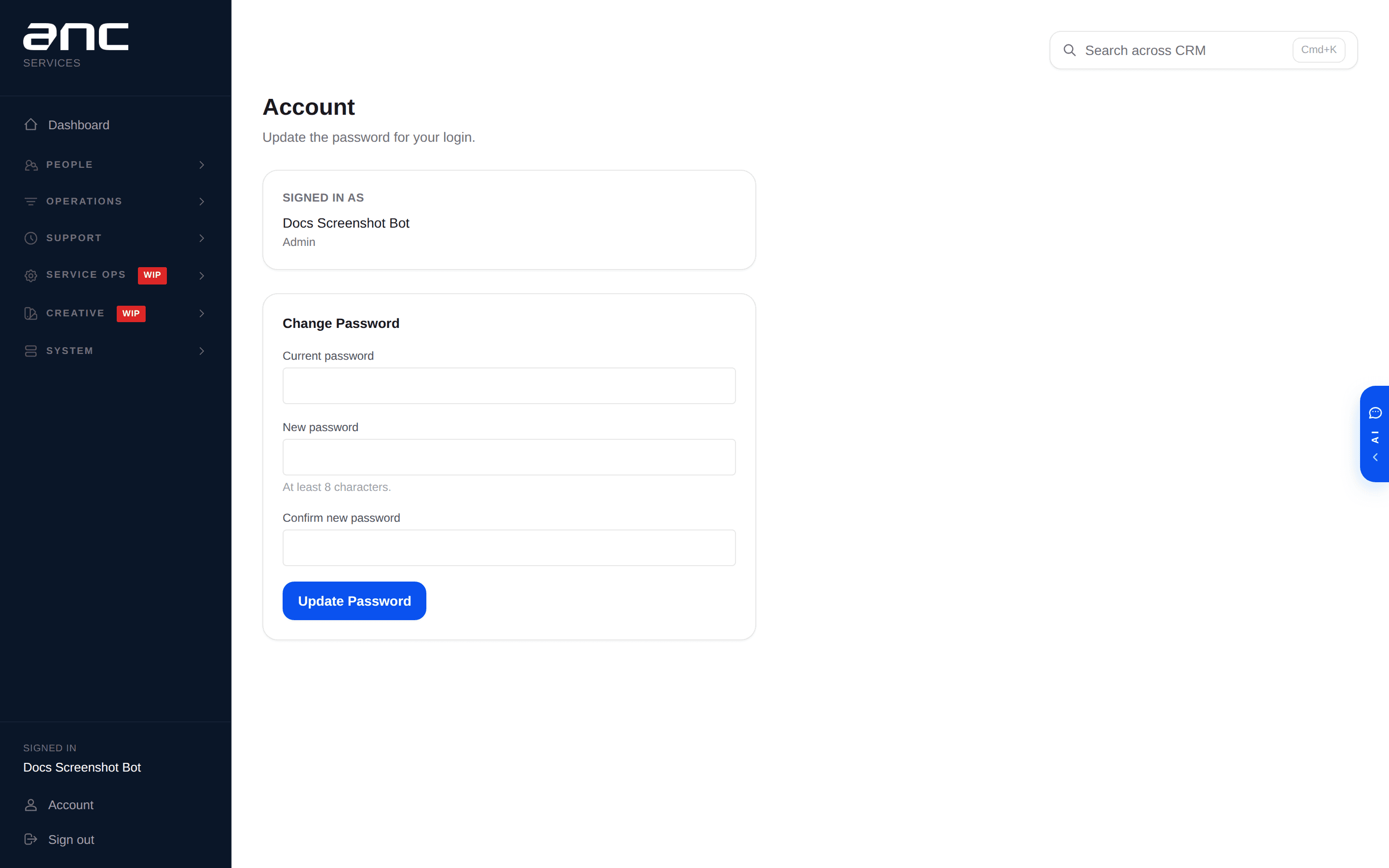
Any user can open Account in the sidebar footer to change their own password — no admin round-trip needed.