Get confident on the CRM — fast.
Short, friendly lessons built around how you actually work. Everyone starts with the basics, then learns their own track. If you can send a text, you can do this.
Take the 2-minute intake
A quick chat tailors your training to your role — no wrong answers.
Learn your track
Start with Core, then your vertical. Short lessons, at your own pace.
Forget something? Just ask
The assistant is one click away — ask it anything, anytime.
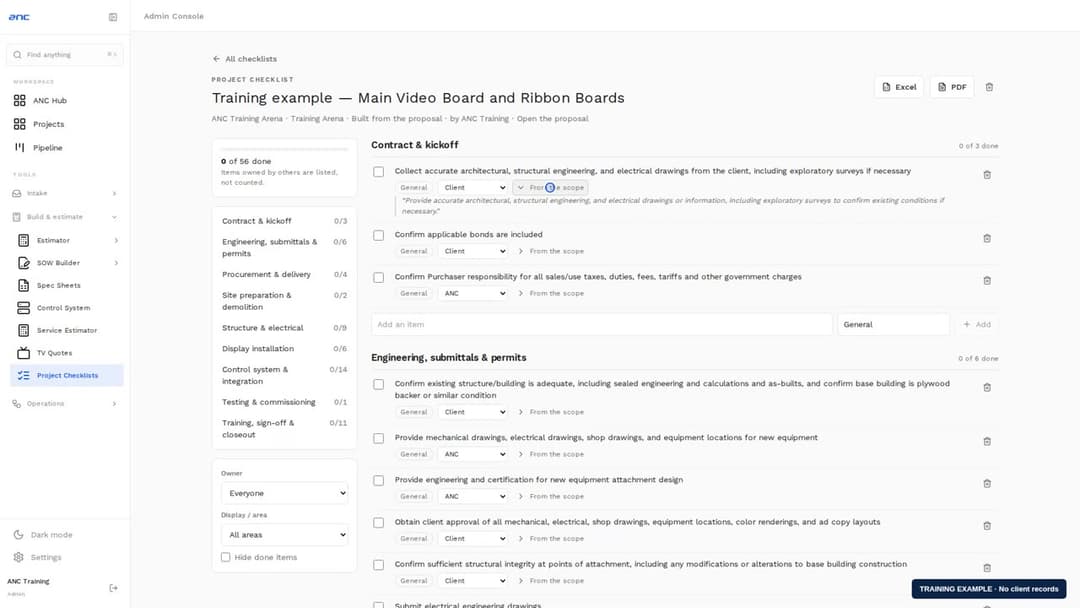
A project checklist for each job, built from its scope
Pick a proposal or upload a scope of work and get a checklist by phase — who owns each item, the sentence it came from, and progress your whole team can tick off, with Excel and PDF.
Watch the walkthrough →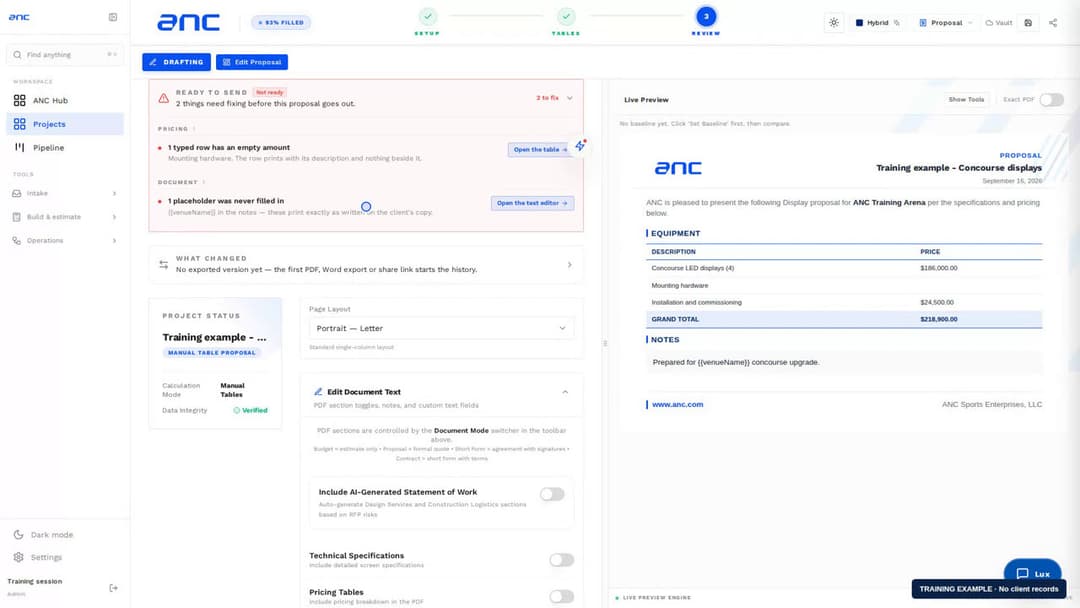
Ready to send, and what changed since the last version
Before a document goes out, see what is missing and jump to it. After an export, see exactly what changed since the version the client received — scope, quantities, price, margin and terms.
Watch the walkthrough →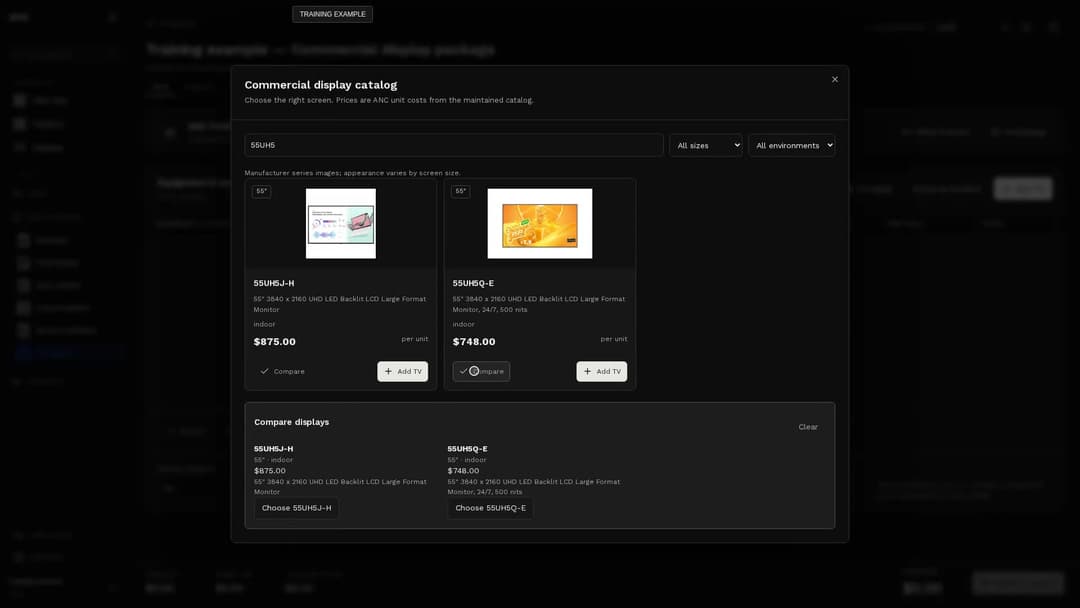
Build, review and order a display package
Browse and compare displays, reuse equipment packages, review client prices and keep issued purchase-order revisions available as the quote changes.
Watch the walkthrough →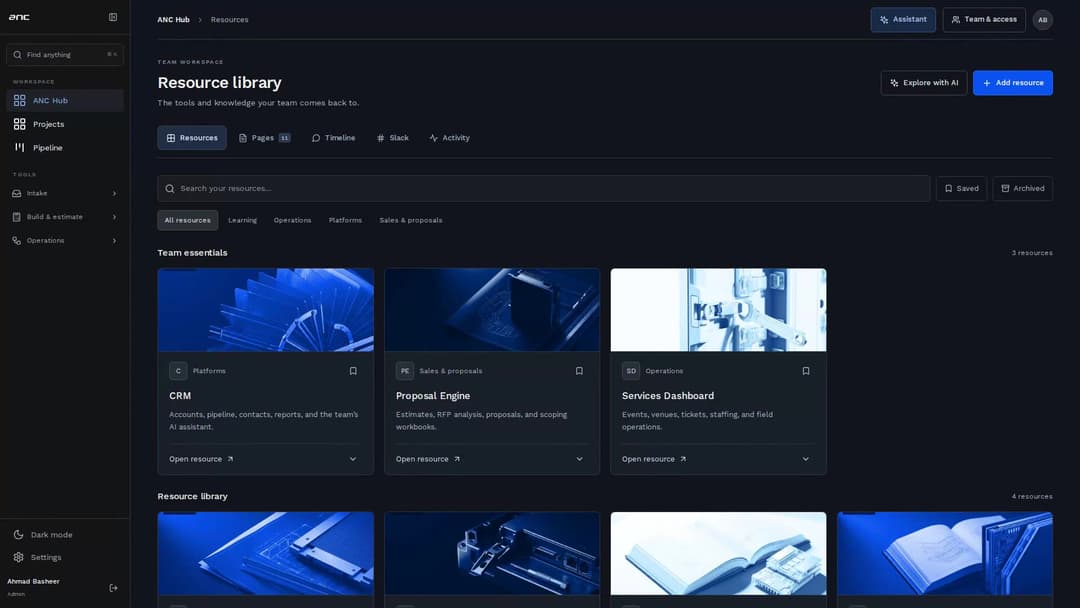
Your team workspace, from start to finish
Updated navigation plus the complete workspace tour: pages, quick search, resources, AI creation, conversations, activity, and owner controls. Choose a chapter and follow the real workflows.
Watch the walkthrough →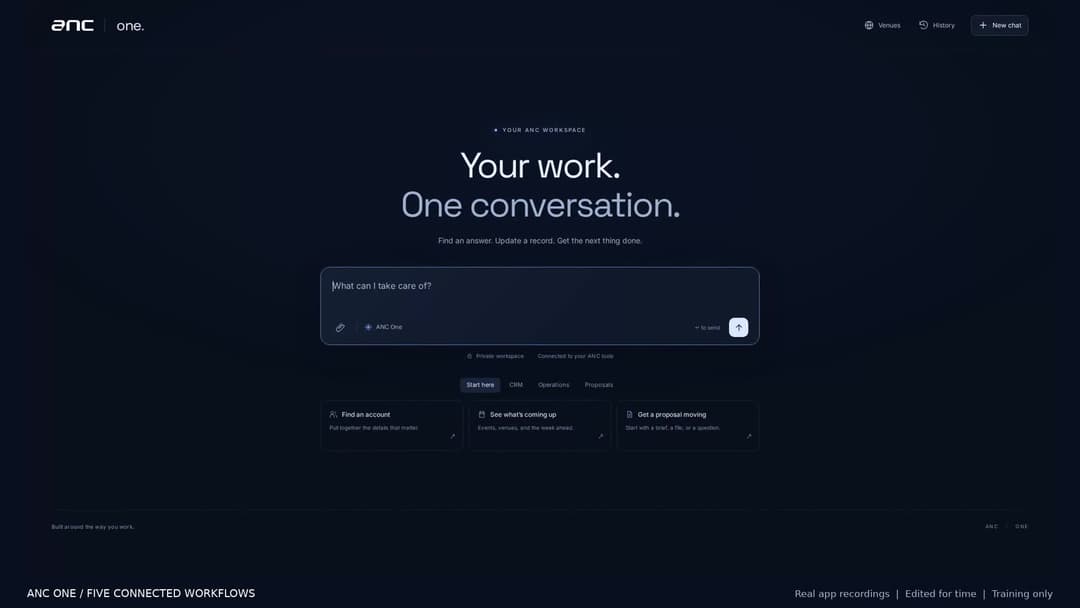
From a request to finished work
Five real chat workflows, with the estimate, proposal, design proofs, CRM update and operations report shown and ready to inspect.
Watch the walkthrough →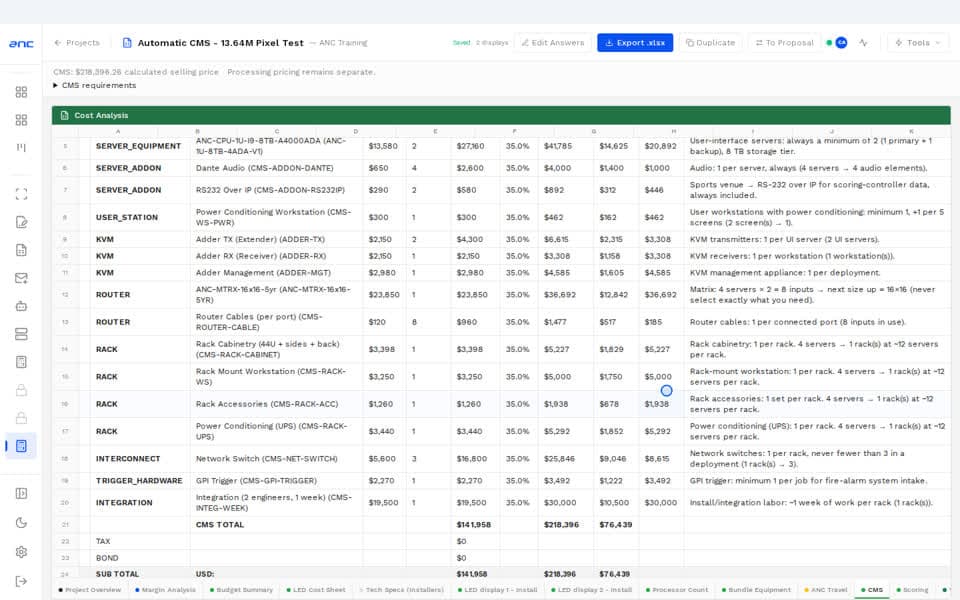
Automatic CMS pricing in the estimator
Select CMS, review the automatically calculated package, adjust requirements and export the full breakdown. Processing pricing remains separate.
Watch the walkthrough →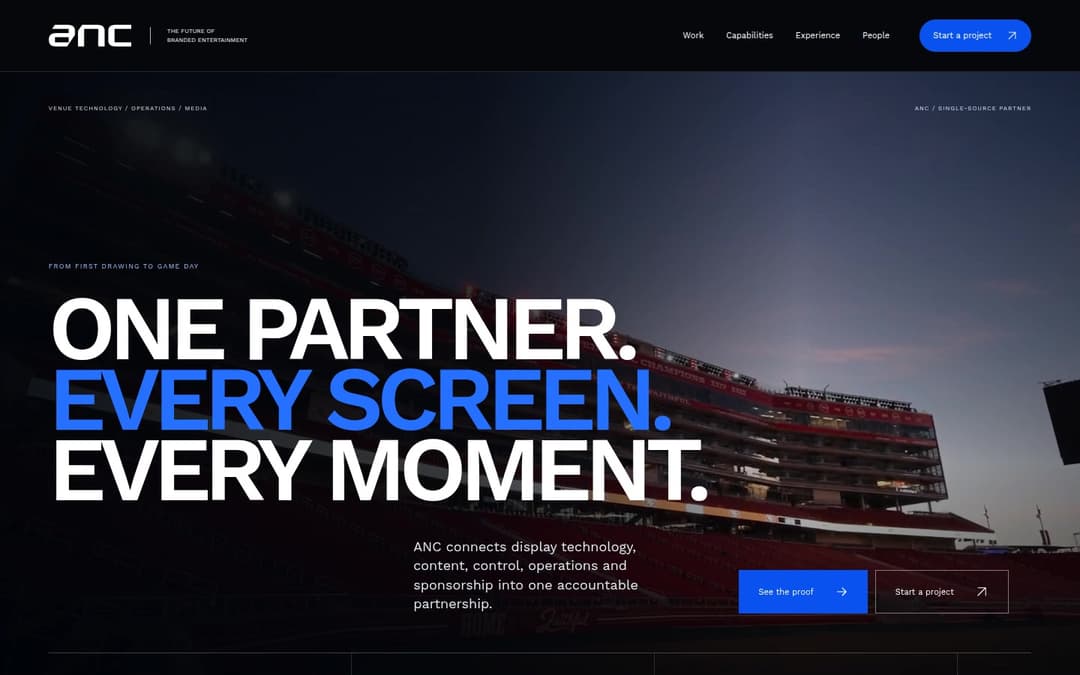
Explore the sales-first ANC website
Move from one connected venue promise to sourced proof, clear buyer routes, and a focused project brief.
Watch the walkthrough →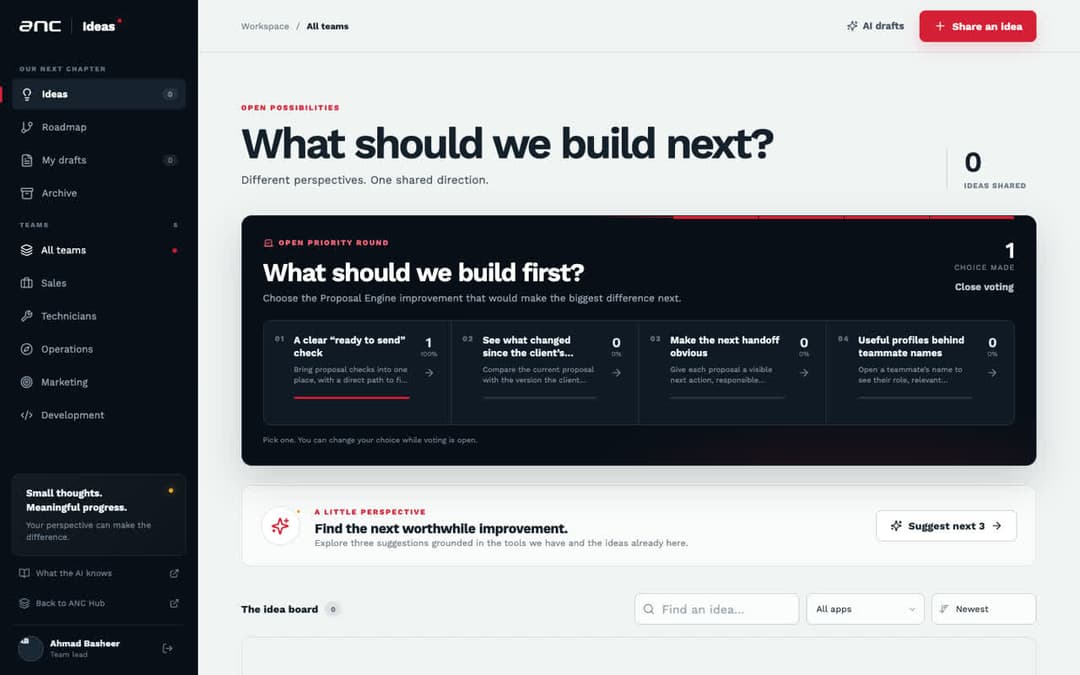
Share ideas and shape the roadmap
Bring an idea by writing, speaking, or showing it. Vote on what we build first and follow every idea from considering to shipped.
Watch the walkthrough →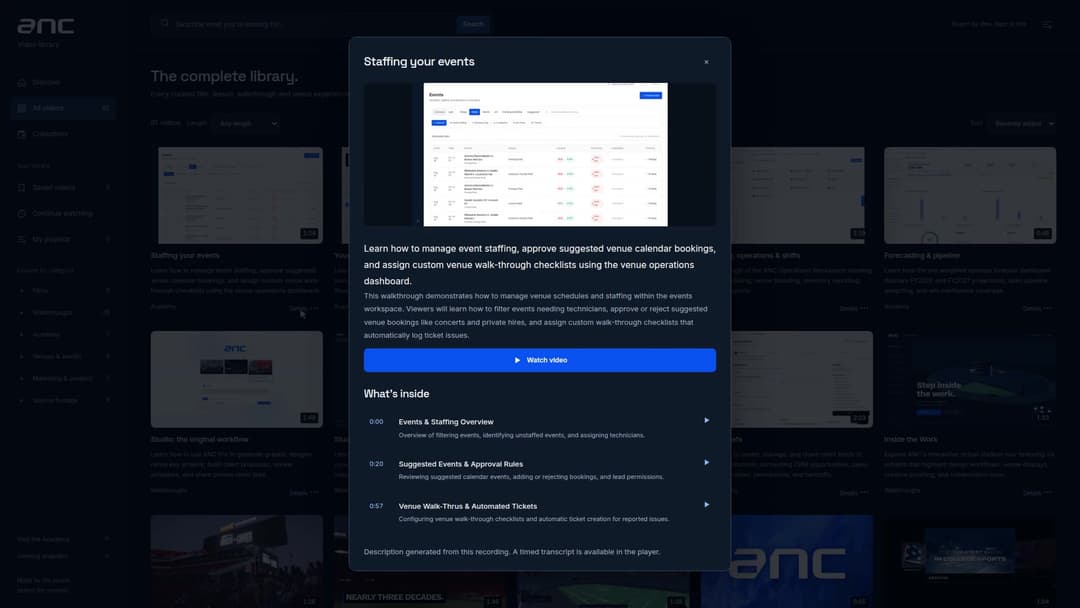
Find, watch & collect ANC videos
Read what is inside before watching. Search spoken and visible content, jump to a moment, and collect useful videos.
Watch the walkthrough →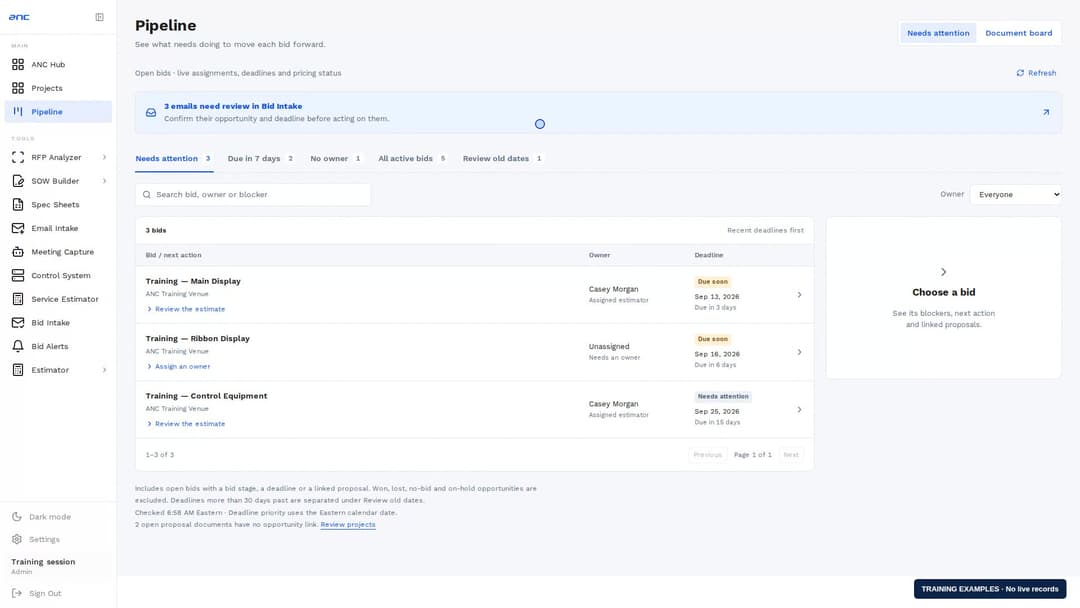
Find the next action on a bid
Check deadlines, owners and blockers, then open the right opportunity or document.
Watch the walkthrough →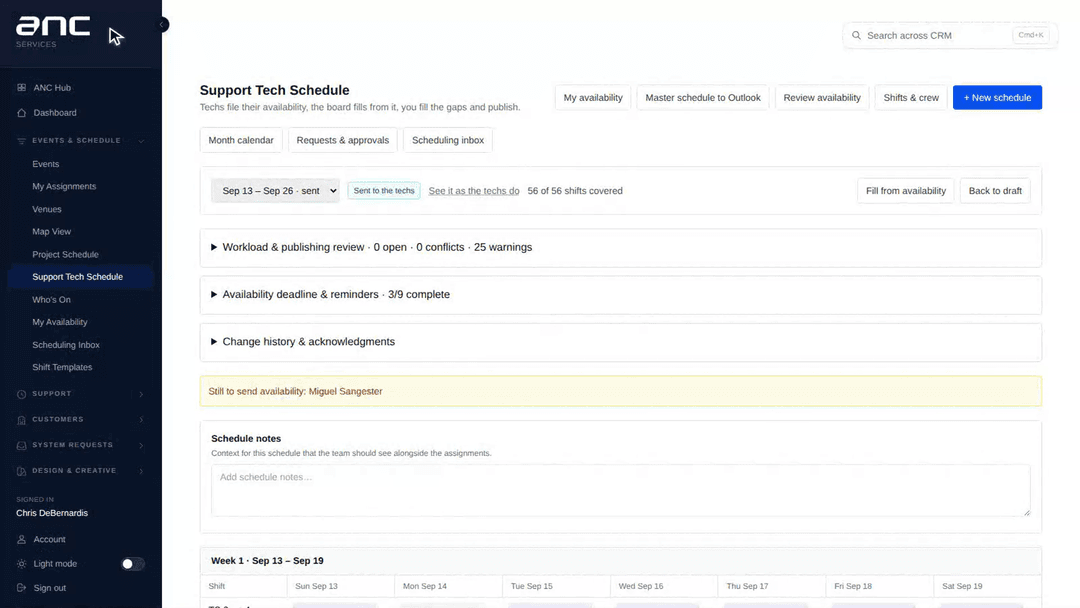
Plan the support schedule & manage technician updates
Month calendars, repeatable drafts, availability reminders, publishing review, shift swaps, time off, and notifications.
Watch the walkthrough →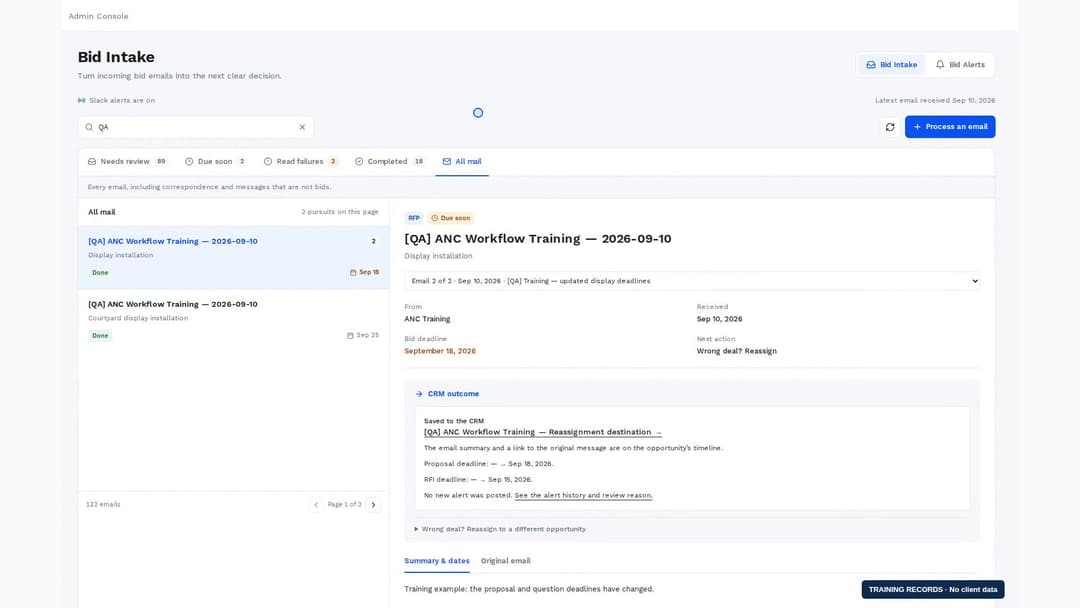
Connect bid emails, opportunities & project partners
Choose the right opportunity, check saved changes, read the original email in the CRM, and confirm project partners with existing accounts, fixed roles, and source quotes.
Watch the walkthrough →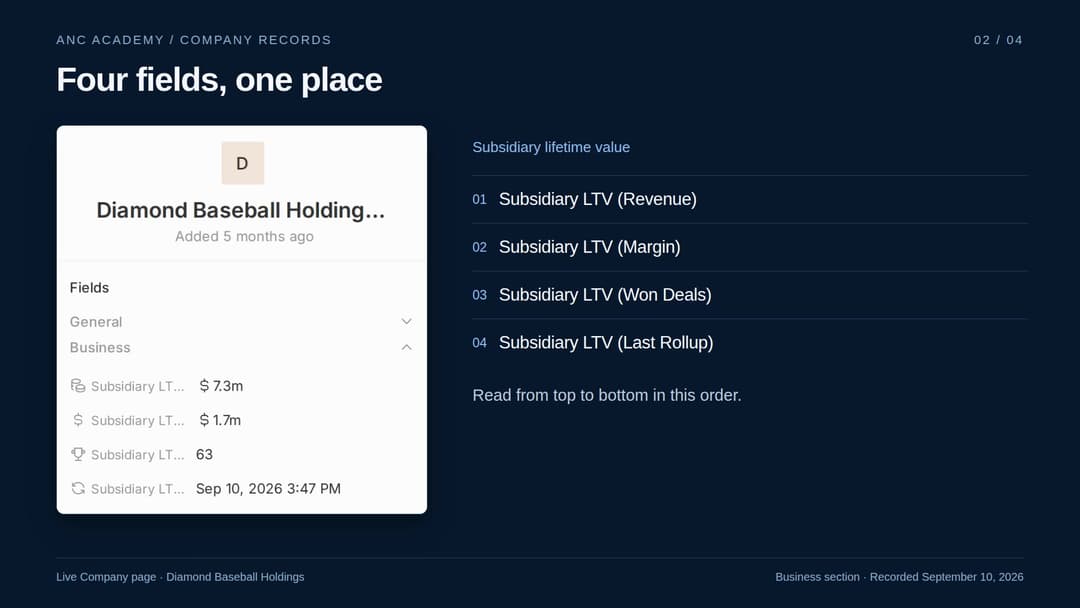
Find subsidiary lifetime value
Read Revenue, Margin, Won Deals, and Last Rollup together in the Company Business section.
Watch the walkthrough →Browse the tracks
Pick your team — or start with Core.
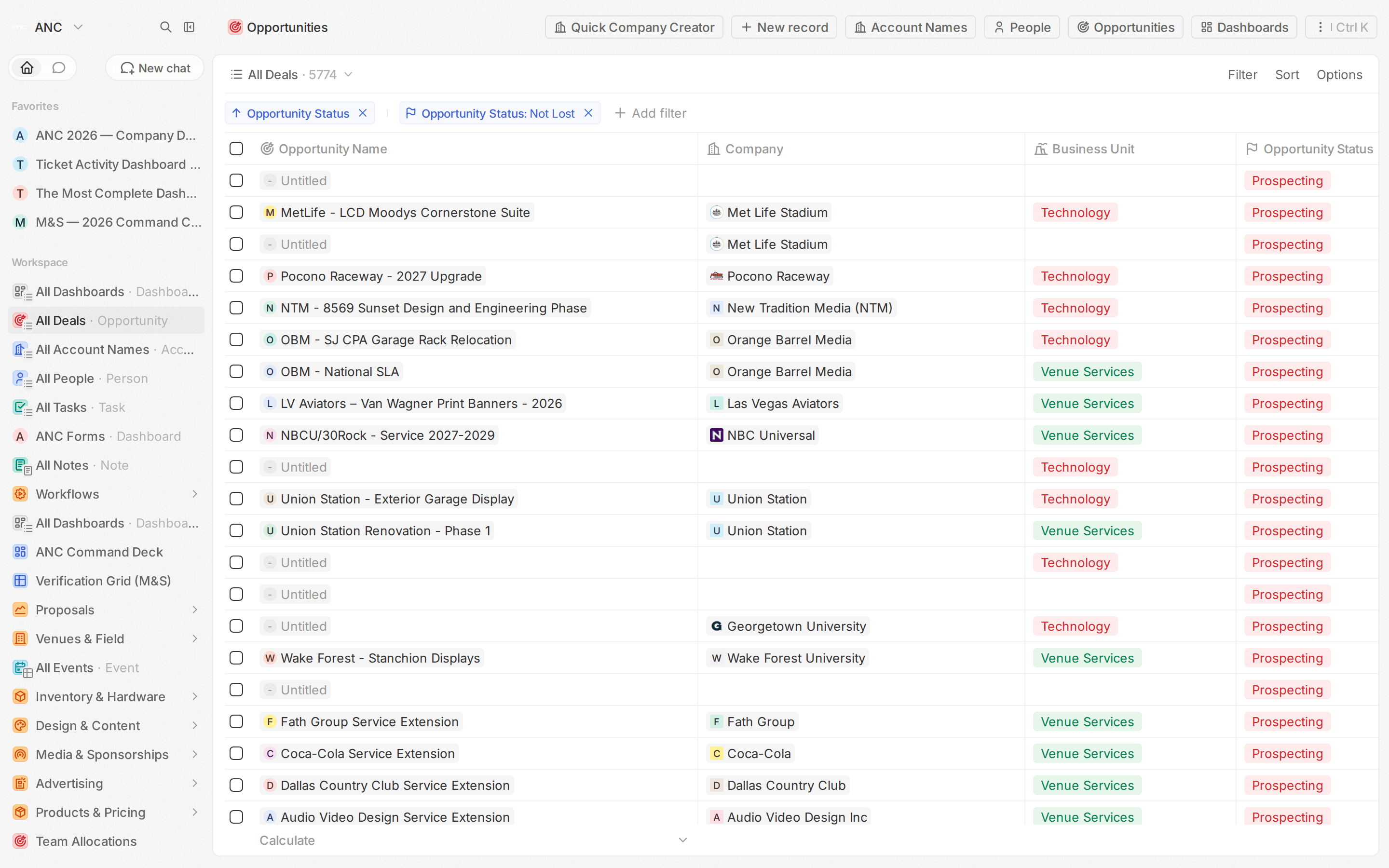
Start Here — Core
The foundation before your vertical: getting around, the daily basics, and how to just ask the assistant.
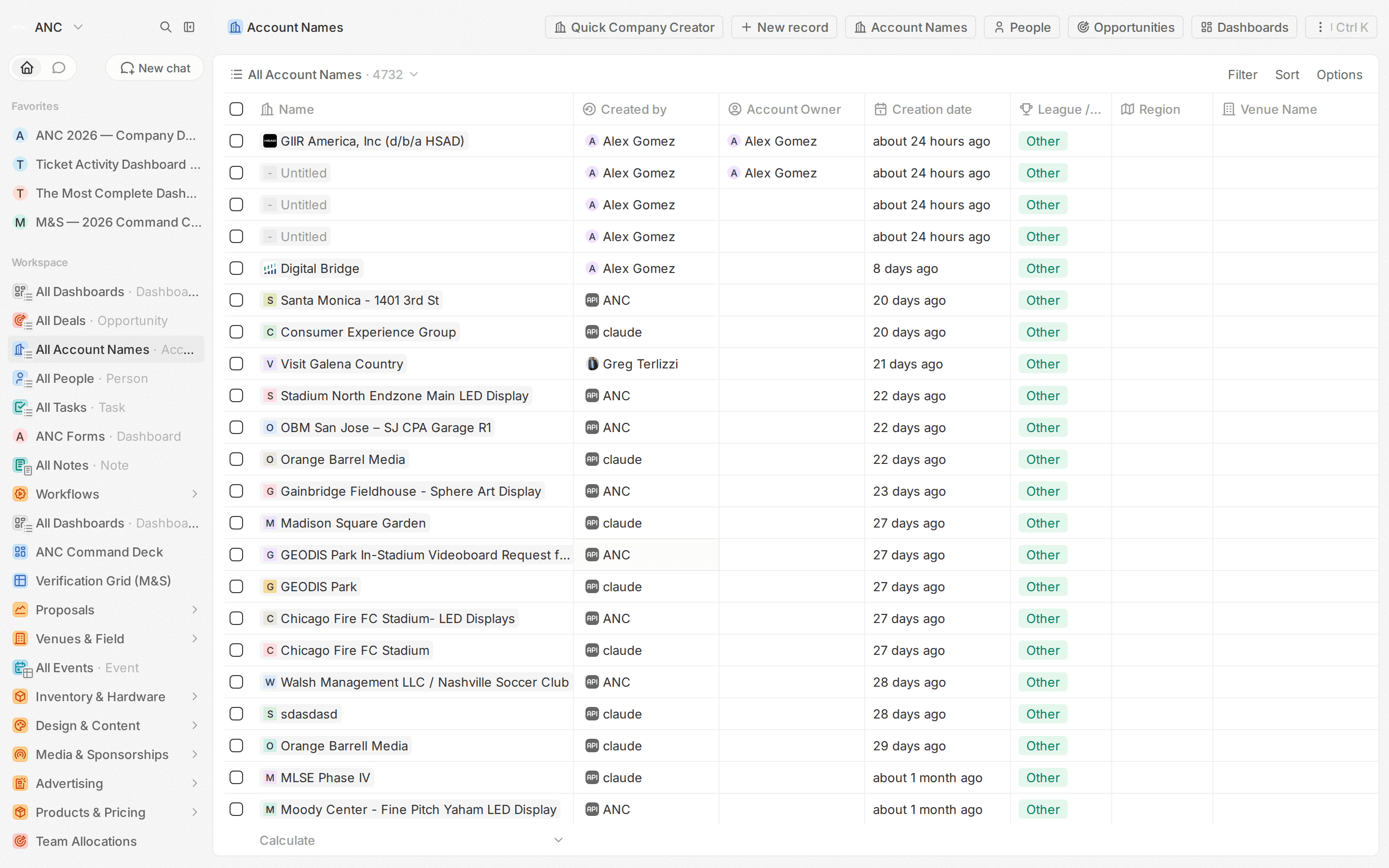
Technology
Your pipeline, estimation and proposals, and the deals you run day to day.
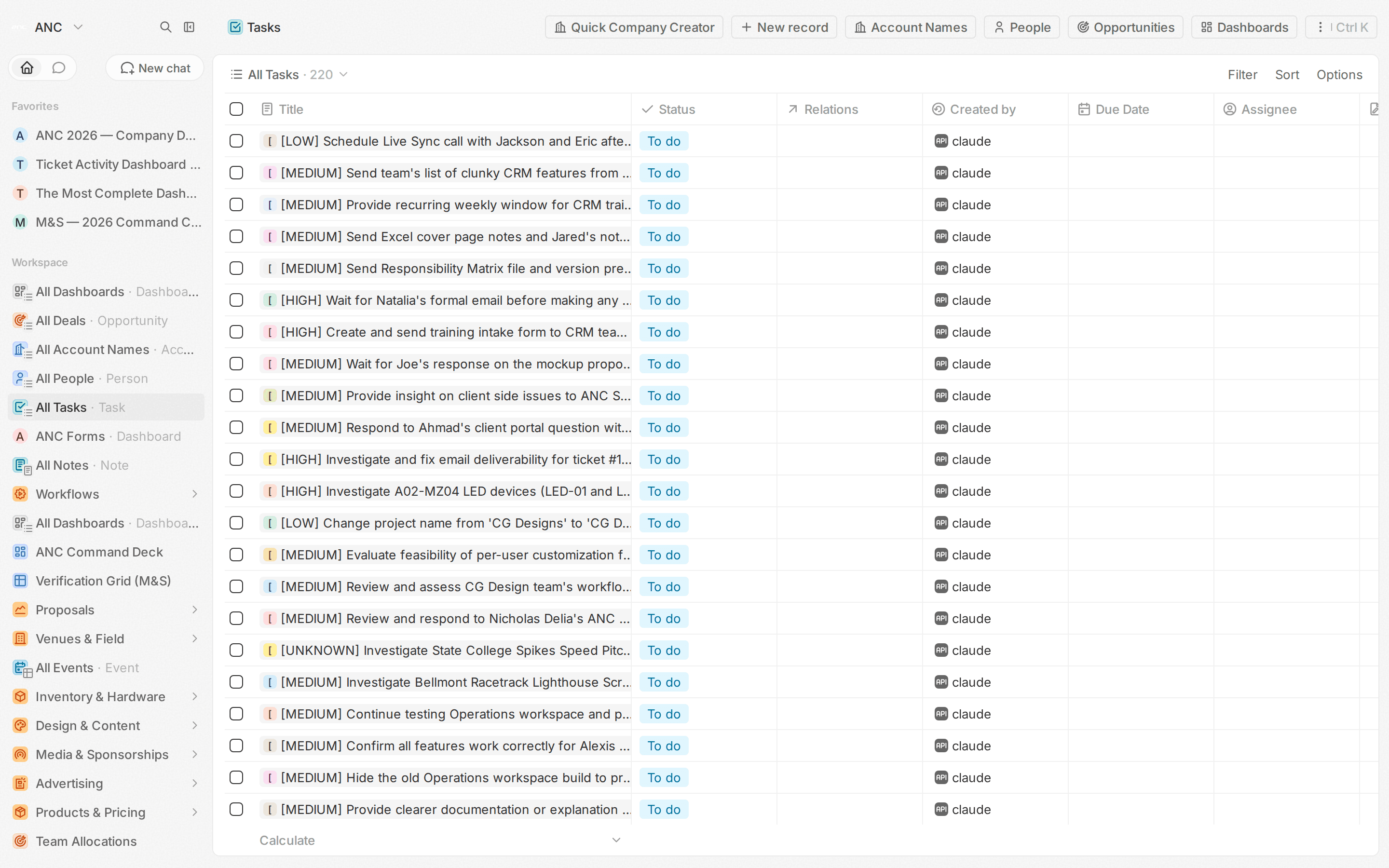
Venue Services
Service tickets, the account view, and the workflow that keeps every venue covered.
Media & Sponsorship
Placements, Nielsen verification, sponsor contracts, and your dashboards.
Leadership
Cross-vertical dashboards, forecasts, win/loss, and one-line answers from the assistant.